How do I navigate in Nessy Classroom?
Welcome to Nessy Classroom!
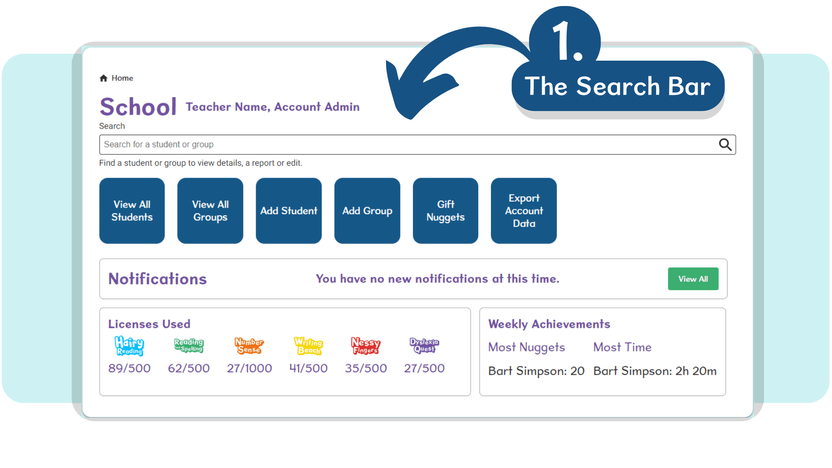
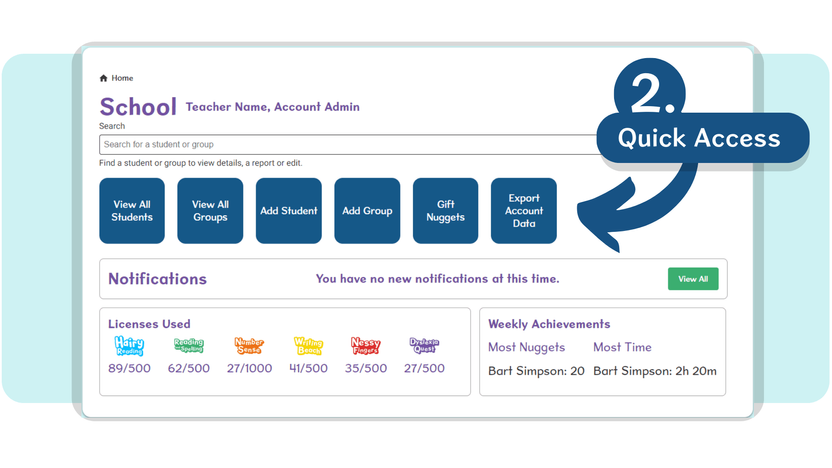
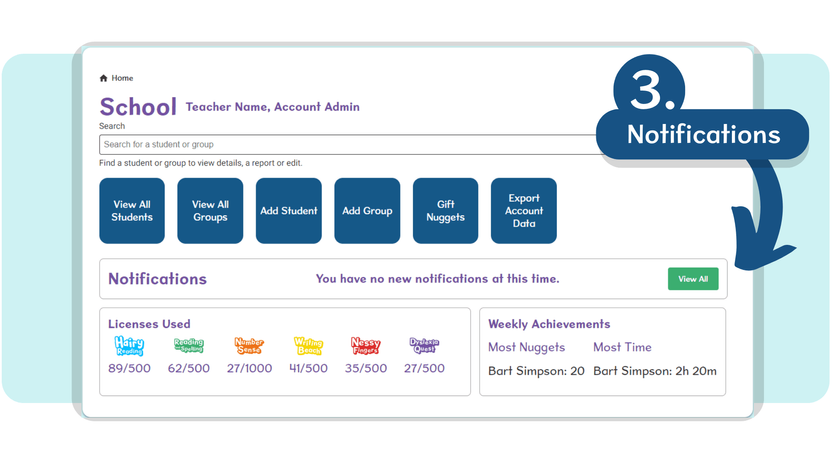
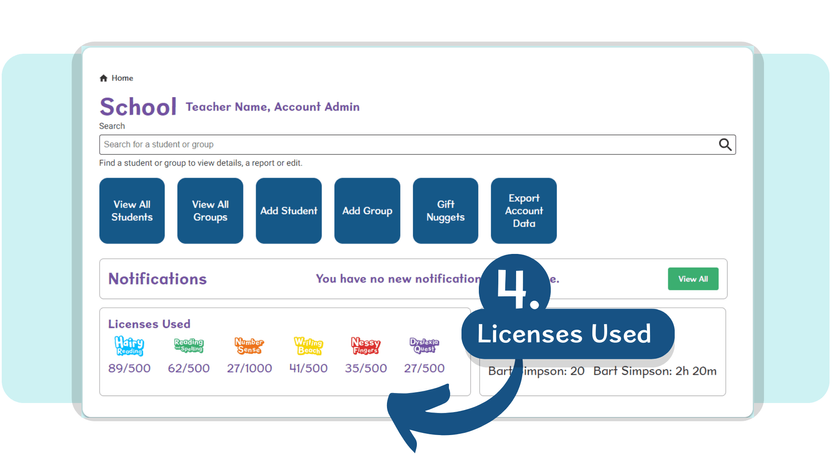
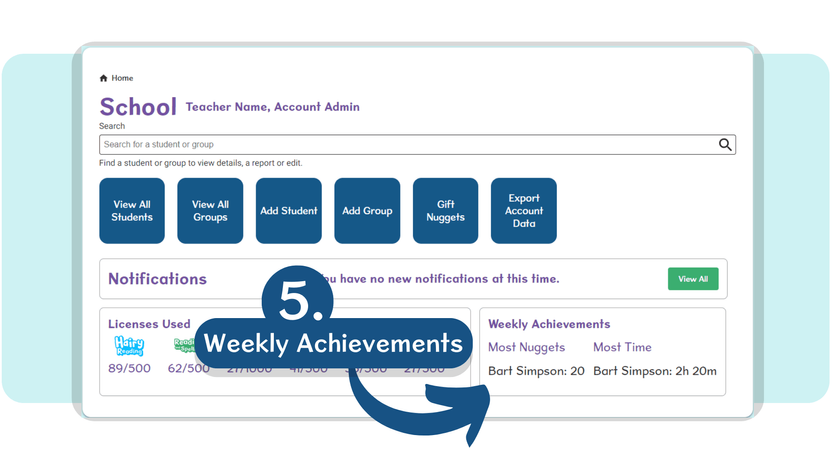
The Home page provides quick navigation and account manageability by using:
- The Search Bar – to locate specific students or groups.
- The Quick Access area – for fast navigation between key Nessy Classroom areas.
- The Notifications area – for any important messages from Nessy.
- The Licences Used area – for a quick update on your allocated/remaining Nessy licences.
- Your Weekly Achievements area – to track the students with the ‘Most Nuggets’ earned and the ‘Most Time Working’ each week.
For additional account settings, you can also use the Menu button on the top-left of your page at any time.