How do I add/remove teacher users in Nessy Classroom?
- Visit the Nessy Login screen and click ‘Login to Classroom’
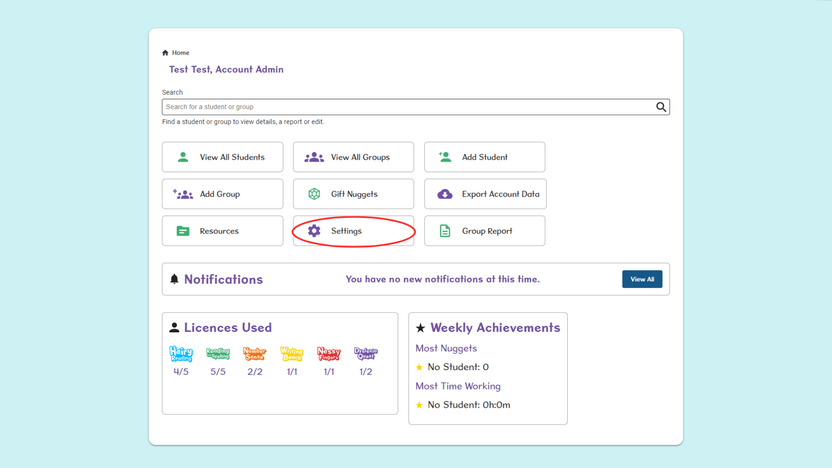
- From the Home page, select the Settings tab.
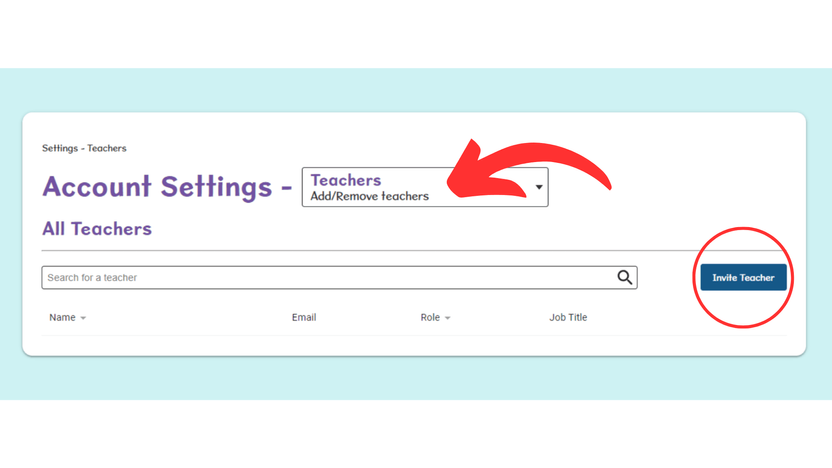
- Select Teachers from the drop-down menu, and then select Invite Teacher.
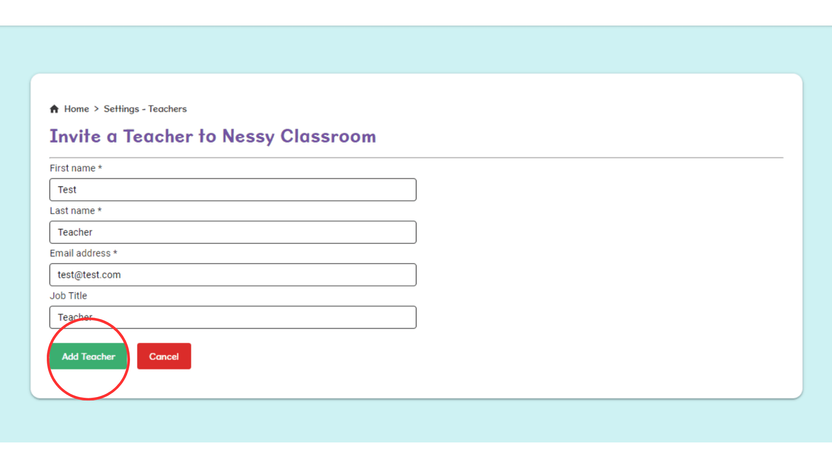
- Complete all fields marked with an * asterisk, and then select Add Teacher. The teacher will be sent an email and asked to set a password. Once done, they will be able to login to Nessy Classroom.
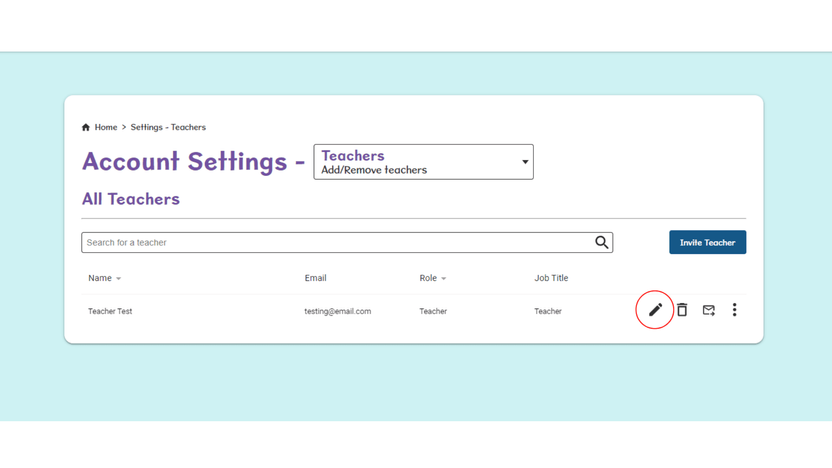
- To remove a teacher, select the bin icon.
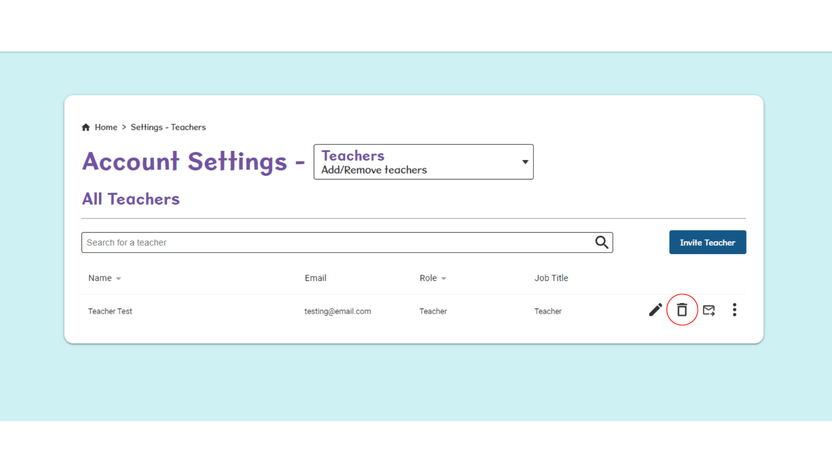
*The Pencil icon allows you to update/edit the teacher’s information when required.