How do I add/move students in a group?
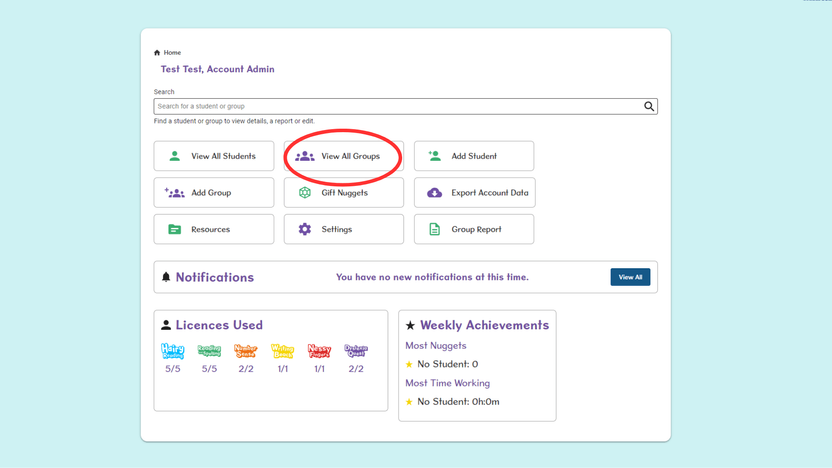
- From the Home page, select View All Groups.
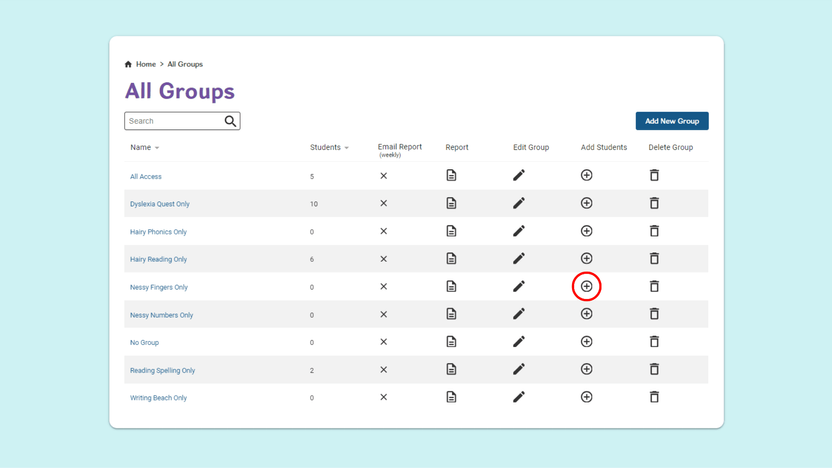
- To Add Students to a Group, select the + icon on the row of the required Group.
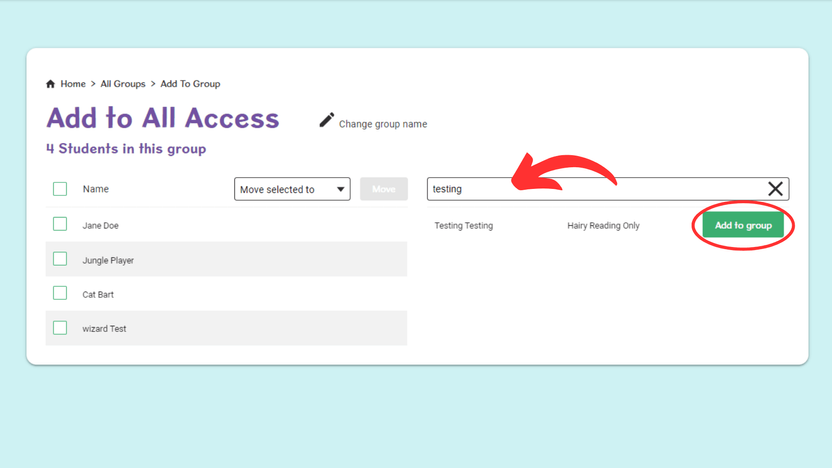
- On the next screen, use the search bar to find the student you wish to add. Then select Add to Group to confirm.
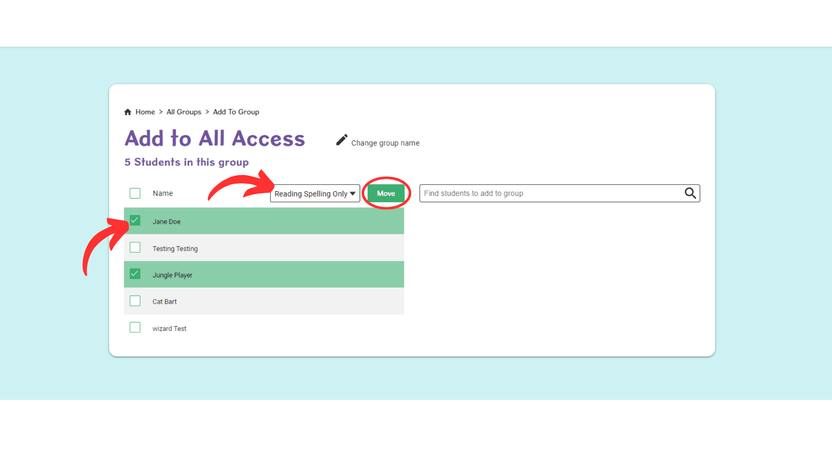
- To Move Students to another Group, start by ticking the box next to the name/s of the student/s you want to move. Next, choose which group to move them to from the drop down list.
- Select Move